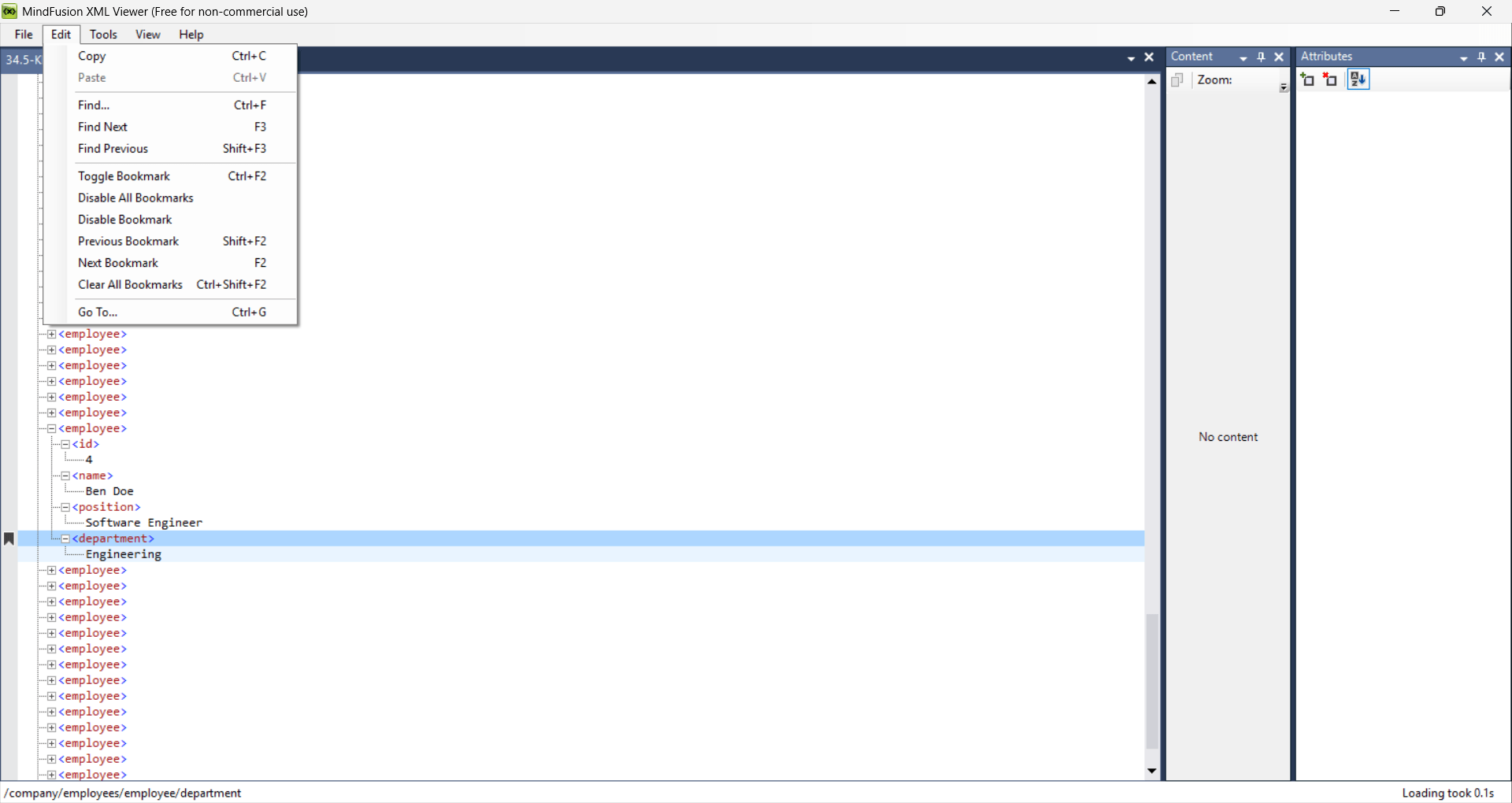
XML Viewer by MindFusion is a lightweight Windows utility built to open, inspect, and modify XML files using a structured visual interface. Instead of dumping raw code onto your screen, the application parses the data into a hierarchical tree view, making complex nested structures immediately readable.
For developers, system administrators, and data analysts, this tree-based presentation beats digging through raw syntax in a standard text editor. The software skips unnecessary bloat, delivering a straightforward workspace to manipulate data nodes directly.
XML viewing and navigation
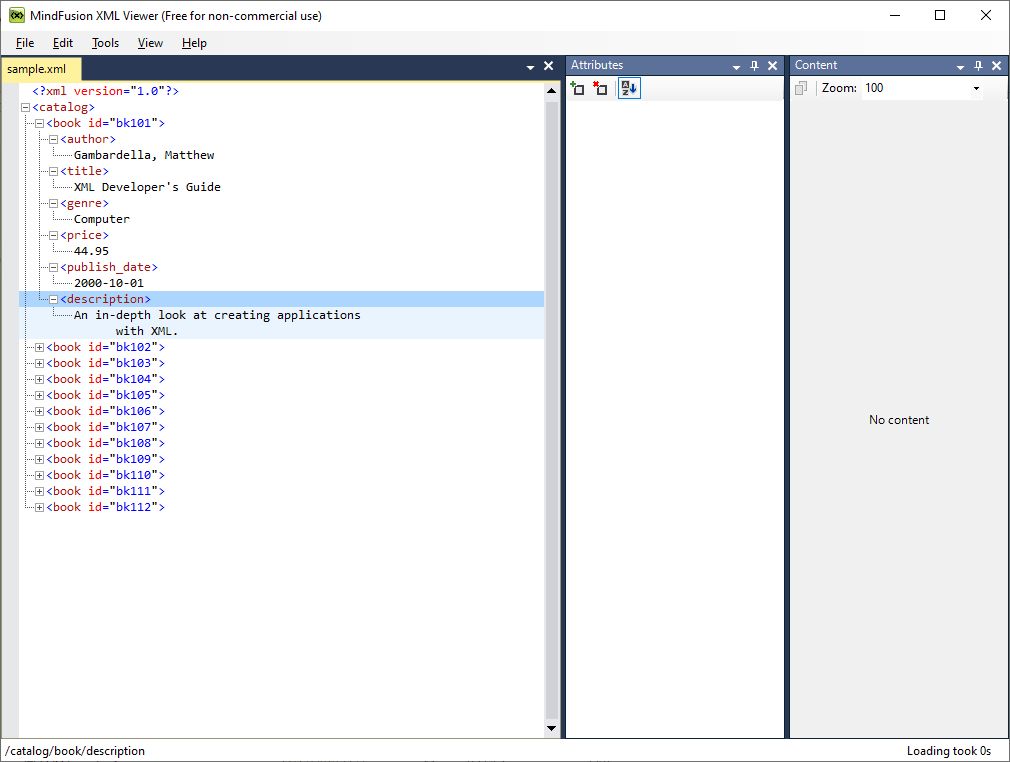
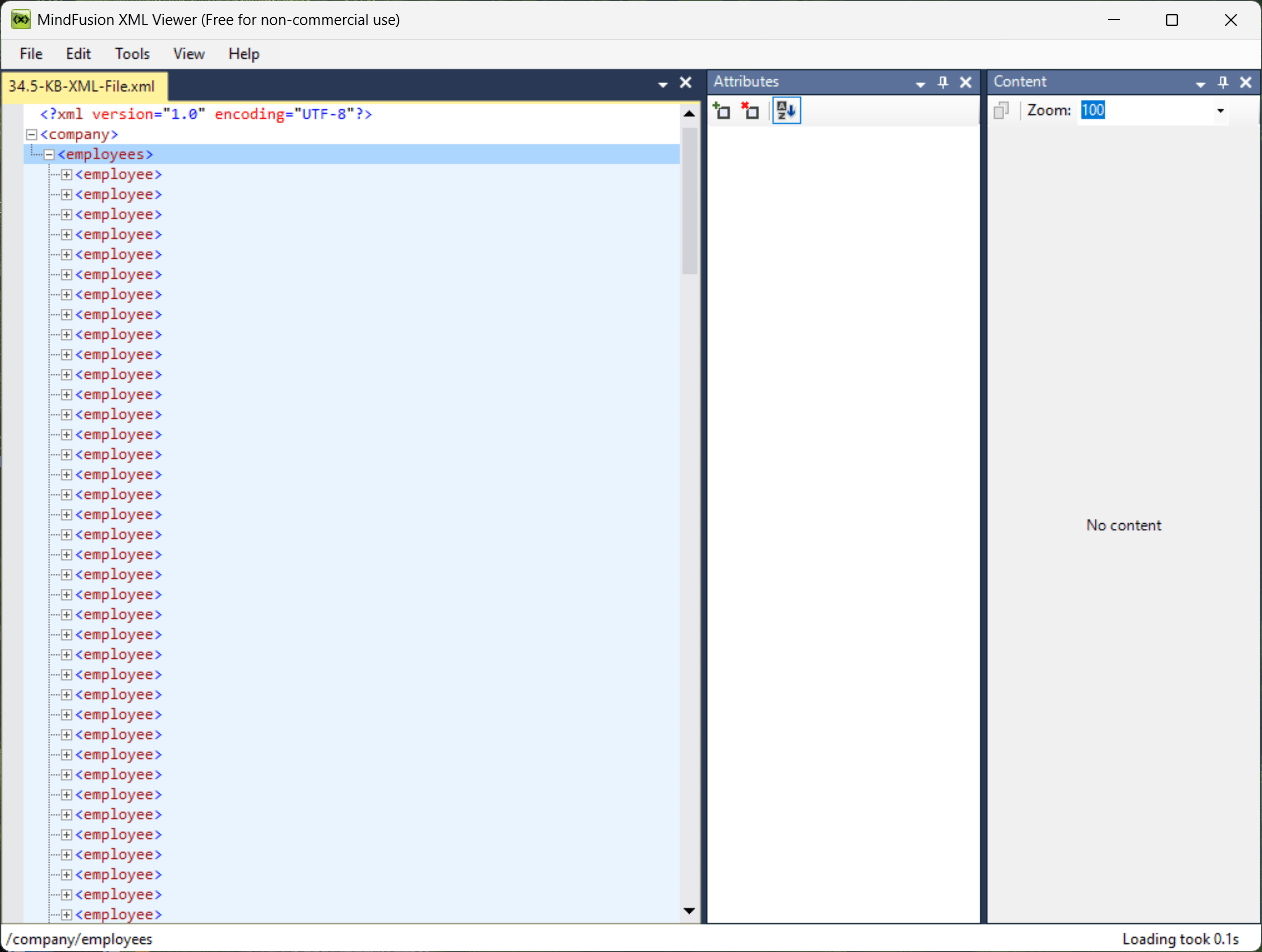
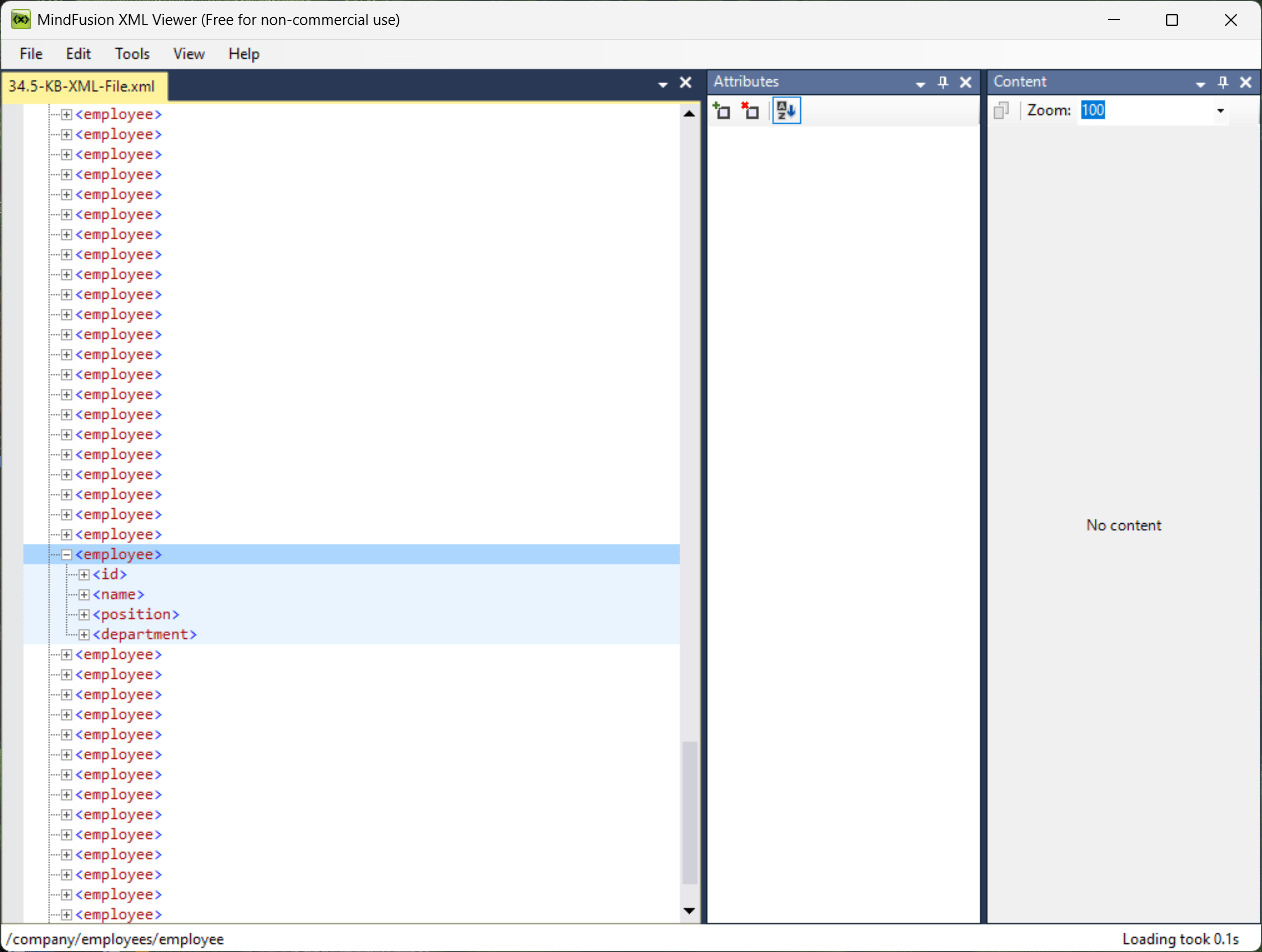
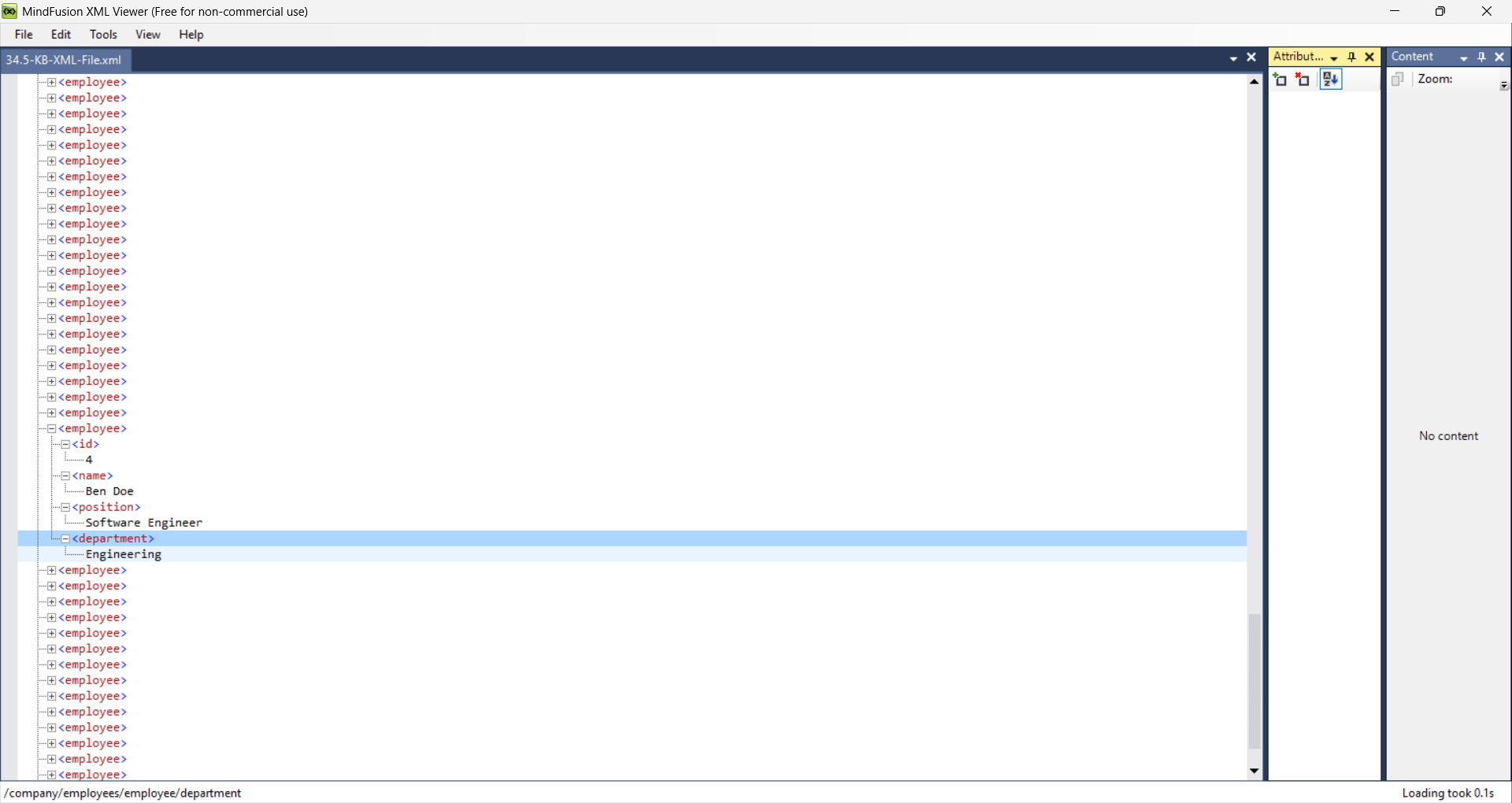
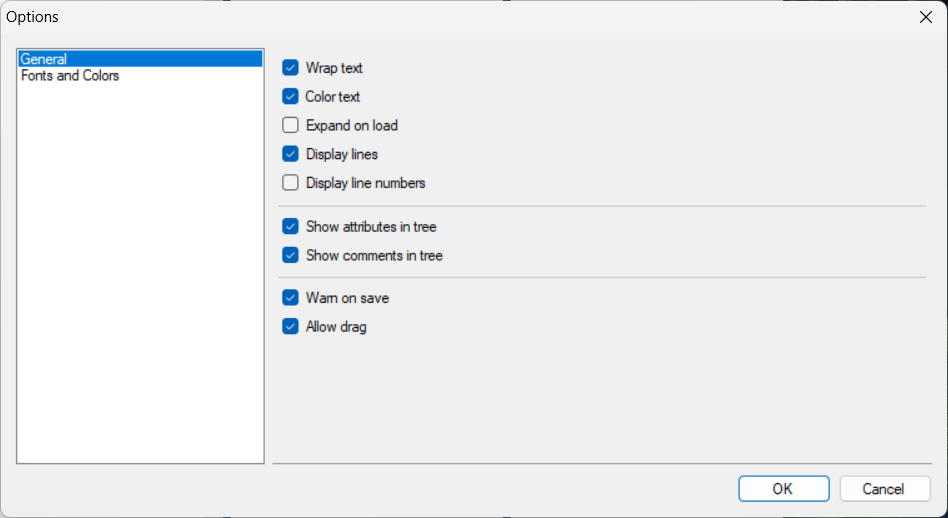
Heavy IDEs often feel like overkill when you just need to inspect a configuration file. This utility provides a faster alternative. It loads files into a collapsible tree structure, defaulting to a collapsed view to keep large documents neat and manageable.
This visual approach drastically improves the readability of deeply nested files. You can quickly drill down into specific document sections without getting lost in an ocean of angled brackets.Validation and document inspection
The software also packs basic validation capabilities to help you spot structural errors. Checking for formatting inconsistencies is essential when handling configuration settings or importing external datasets.
Because the parser strictly enforces XML standards, it refuses to load poorly formed files with missing closing tags or broken syntax. While it displays an error message pointing to the exact broken line, you must fix the syntax in an external text editor before the application will render the tree.User interface and usability
The interface feels slightly dated, but it remains clean and highly functional. It prioritizes rapid document inspection over complex code editing, ensuring the tree navigation system stays responsive even when handling heavy data loads.Pricing and availability
XML Viewer operates on a completely free licensing model, functioning as standard freeware for Windows users. However, because developers occasionally alter distribution methods or introduce premium versions, it is always recommended to check the official website, as the final cost depends on the tier chosen or active promotions.A practical tool for viewing and analyzing XML files
XML Viewer by MindFusion delivers a highly practical way to untangle complex XML documents without firing up a heavy code editor. Its navigation tools and collapsible tree structure make it an excellent utility for anyone managing raw data or configuration files on a daily basis.
While it will never replace a full-blown development environment for serious coding, it operates perfectly as a dedicated, lightweight inspection tool for Windows systems.